
Fred

Meet Fred, your family's AI email safety assistant.

A Chrome extension that reads your emails and explains anything suspicious — in plain English.

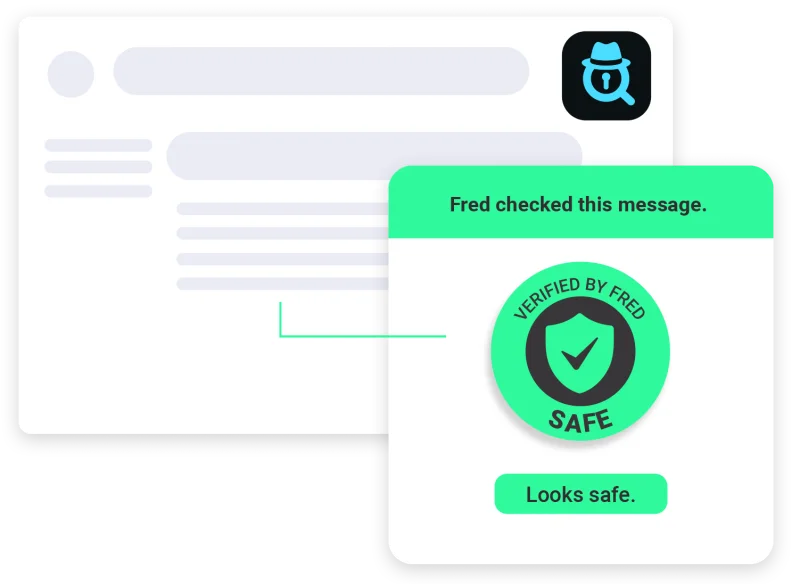
Email inbox with Fred showing a safe verified message
Helping Families Stay Safe Online

They taught you how to cross the street.

Now help them cross the internet safely.

Protecting your family is simple with Fred

1. Saw something suspicious?

Whether it's an email or a webpage.

Email inbox with Fred icon

2. Fred analyzes it

Fred reads the message and looks for phishing signals, suspicious links, and scam patterns.

Fred magnifying glass scanning an email

3. Fred gives the verdict

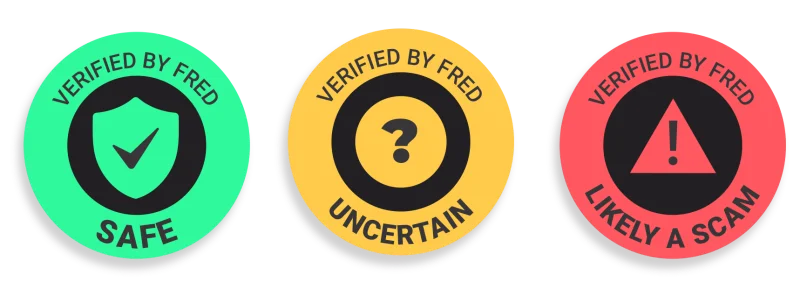
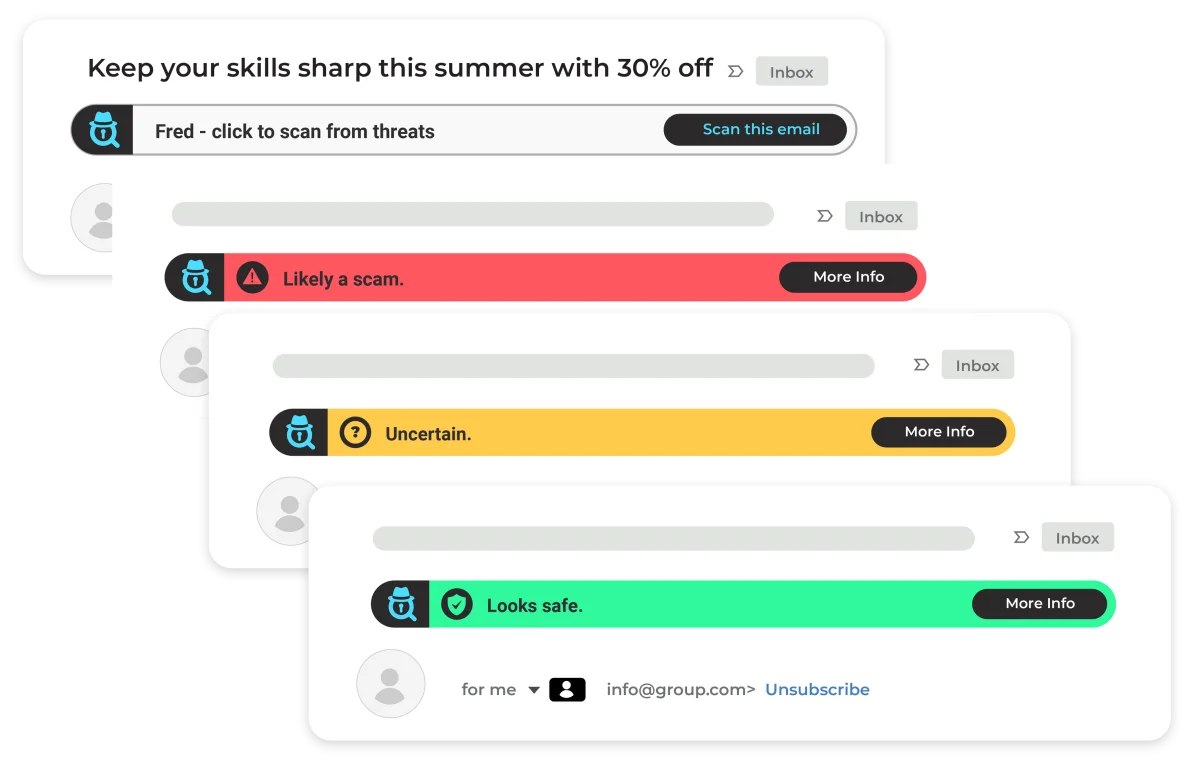
In seconds, Fred tells you if the message is safe, suspicious, or a scam.

Three verdict badges: Safe, Uncertain, and Likely a Scam

Simple results. Clear colors. Instant understanding.

See Fred in action

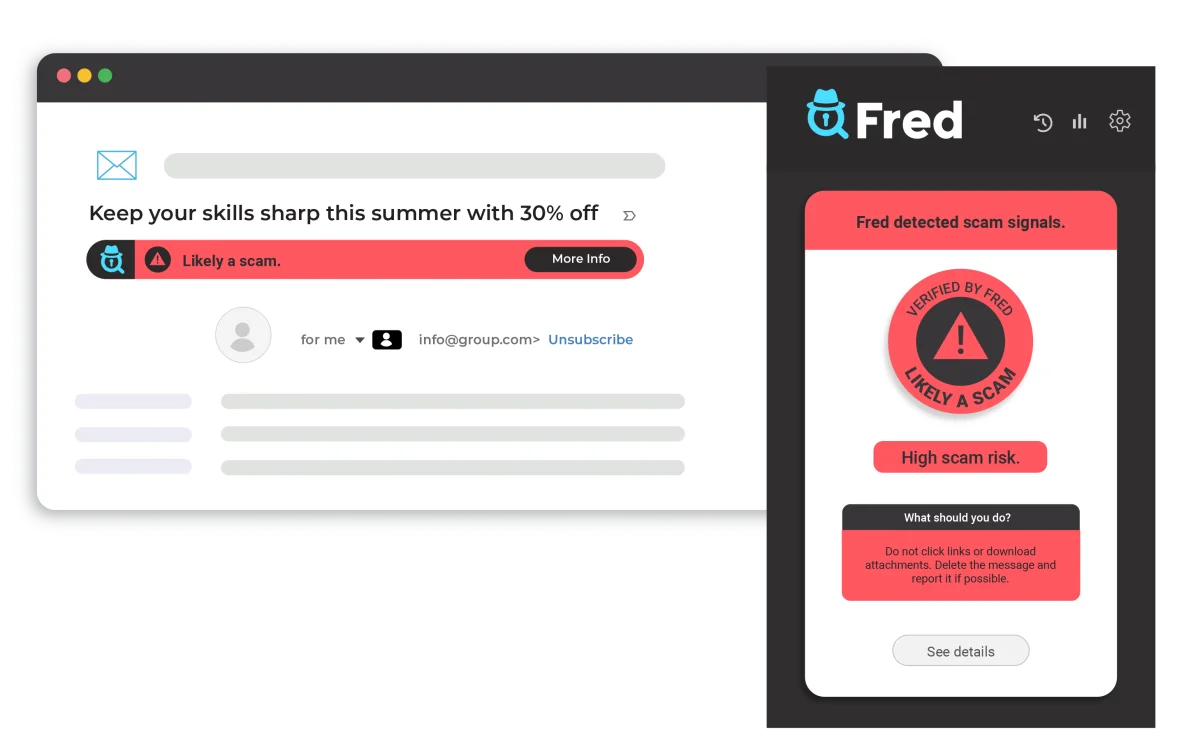
Instant email analysis with explanations that keep families safe.

Fred detecting a scam email with red alert banner and detailed popup

Fred works directly in your inbox.

Compatible with Gmail, Outlook, and Yahoo.

Email states: scan this email, likely a scam, uncertain, and looks safe

Over 3.4 billion phishing emails are sent every day.

Fred helps your family understand them instantly.

  • Your emails stay private — Fred only analyzes message content
  • No passwords required
  • No access to your accounts
  • No personal data stored
  • No selling or sharing your data
  • Your scans remain private

Simple Pricing

Free

$0/month

  • 10 scans per month
  • Gmail, Outlook & Yahoo Mail
  • Full verdict + explanation
  • No credit card required
Install free Also available for Firefox
Most popular

Individual

$3.99/month

  • 300 scans per month
  • Gmail, Outlook & Yahoo auto-scan
  • Full verdict + explanation
  • Cancel anytime
Get Individual Plan

Family

$7.99/month

  • All the benefits of Individual Plan
  • 300 scans per user per month
  • Invite up to 5 family members
  • Cancel anytime
Get Family Plan

Fred's Story

Born in a family.

Fred is not just a product; it's a family project.

Fred began at home.

Skylar Bolton, the creator of Fred, often received calls from his parents about suspicious emails.

"Is this real?"

"Should I click this link?"

After helping them again and again, Skylar had a simple idea:

What if something could check these messages instantly for any family?

That idea became Fred.

Skylar built the technology, and his wife Thais designed Fred's visual identity.

Together, they created Fred with one goal:

Help families protect the people they love online.

With care, from the Bolton family
to families around the world.

Helping Families Built With Care
Skylar and his mom on the couch with laptops
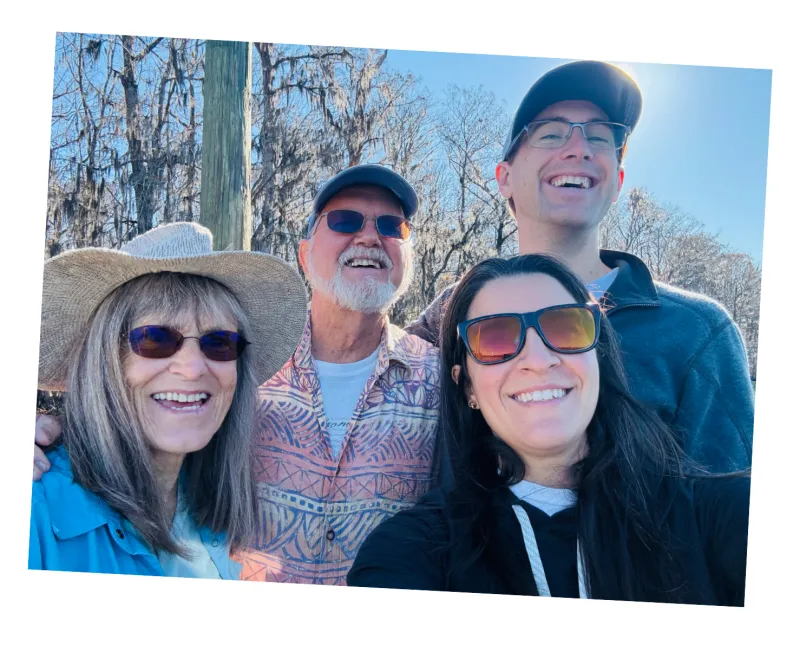
Bolton family selfie outdoors

With love — the Bolton family